iPhone
iPhone 16 Series
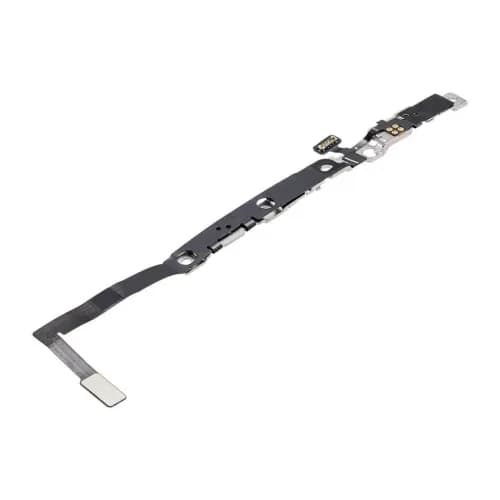
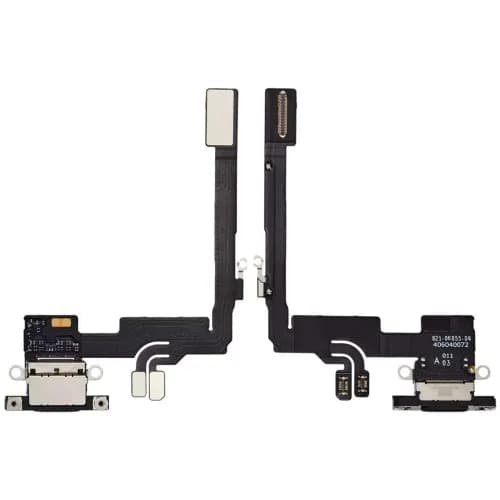
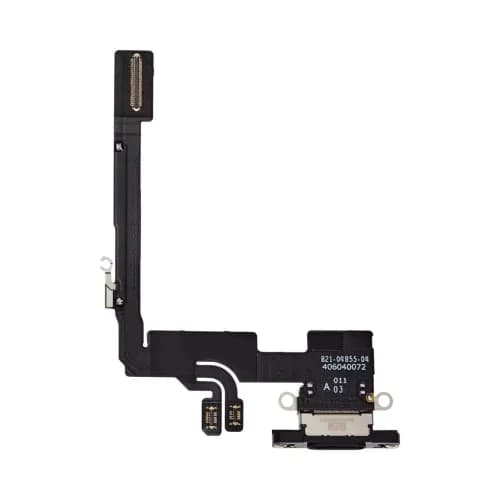
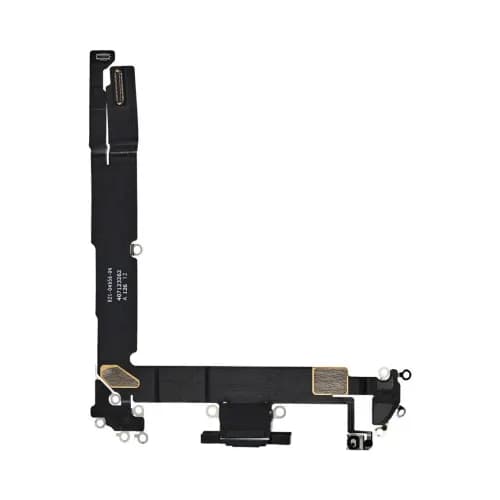
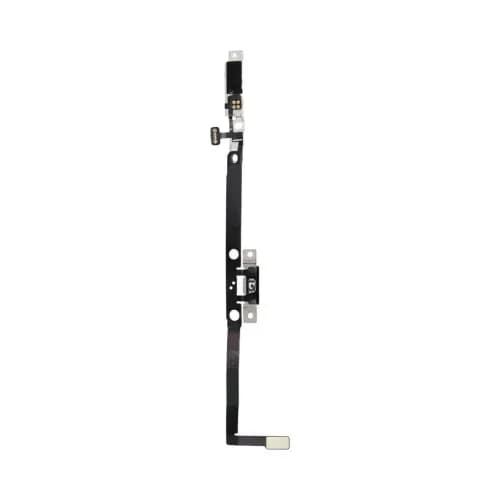
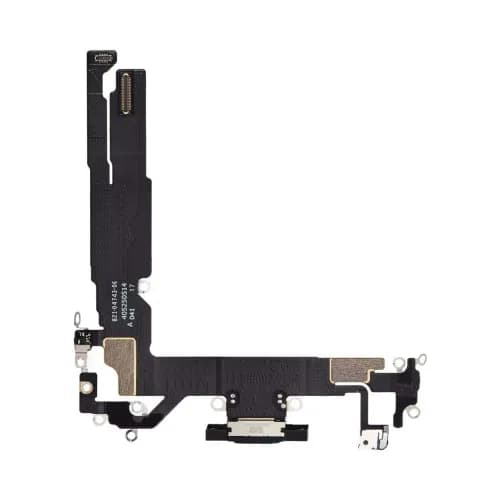
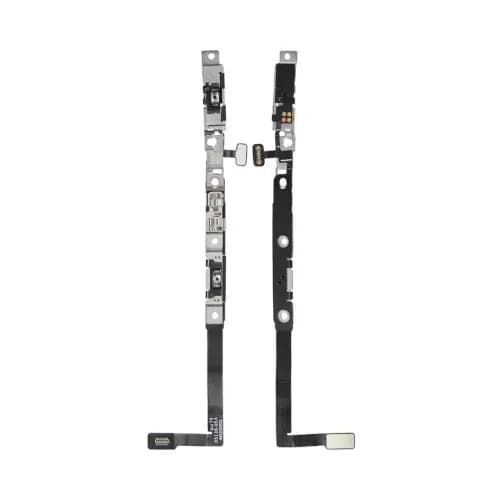
Everything we stock for the Apple iPhone 16 Series. Pick your exact model (iPhone 16, iPhone 16 Plus, iPhone 16 Pro, iPhone 16 Pro Max, and iPhone 16e) to see only the parts that fit. We carry speakers and Taptic Engines, charging ports and flex cables, and screens.
- products
- 32products
iPhone 16 Series models newest first
All iPhone 16 Series parts
Explore iPhone 16 Series parts
Top brands
Buying guide
Finding the right part
On the iPhone, open Settings > General > About and tap the Part Number line. It switches to the model number, which starts with A.
Models in the same range often look alike but use different parts. Open your exact model's page or check the compatibility list on each product.
The earpiece speaker and the loudspeaker are different parts, so check the position named in the title.
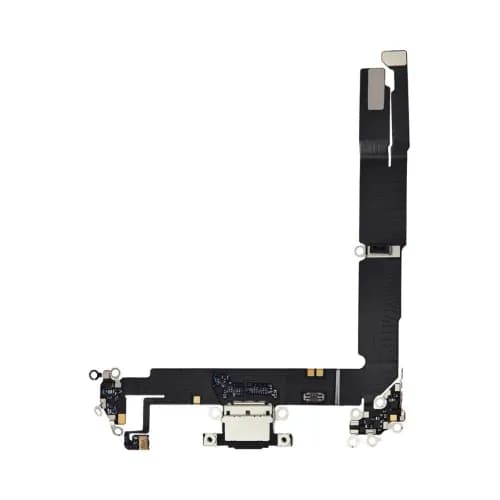
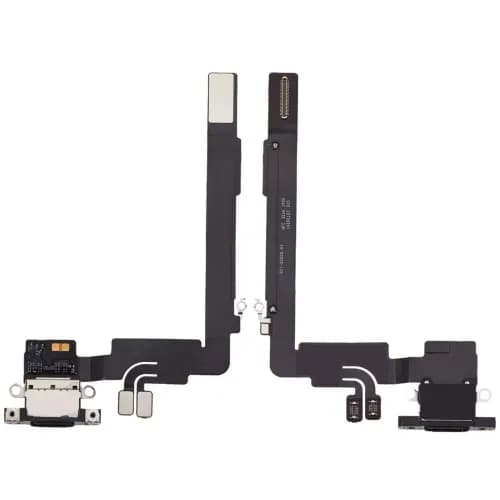
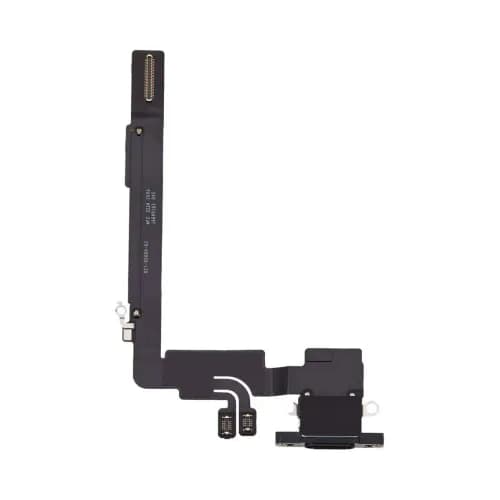
On many models the charging flex also carries microphones or antenna contacts, so compare it with the old part before you fit it.
Screens come in different builds. Read the product title for the panel type and whether the frame or small parts are included.
Glued back glass usually needs heat or a laser machine to remove. A housing swap replaces the whole frame instead.
FAQ
Which models are in the iPhone 16 Series group?
iPhone 16, iPhone 16 Plus, iPhone 16 Pro, iPhone 16 Pro Max, and iPhone 16e.
How can I tell the models apart?
By model number: iPhone 16: A3081, A3286, A3288, A3287; iPhone 16 Plus: A3082, A3289, A3291, A3290; iPhone 16 Pro: A3083, A3292, A3294, A3293; iPhone 16 Pro Max: A3084, A3295, A3297, A3296; iPhone 16e: A3212, A3408, A3410, A3409.
Where do I find the model number?
On the iPhone, open Settings > General > About and tap the Part Number line. It switches to the model number, which starts with A.
Do parts fit across the whole iPhone 16 Series range?
Rarely all of them. Some small parts are shared, but screens, batteries and housings usually differ by model. Each product lists every model it fits.